


You went live. That was supposed to be the hard part.
Your company spent somewhere between $375,000 and $1.75 million to implement Dynamics 365, plus ongoing licensing costs that keep running whether the system is working well or not. The consultants wrapped up, the ribbon was cut (metaphorically), and your team was handed a system that was supposed to fix the operational problems you had before. But something still feels off. Your people are slow in the system. Reports don’t match what sales is saying. And somewhere, someone is still running a spreadsheet.
Here’s the uncomfortable math: 60% of Dynamics 365 implementations overshoot budgets by 20 to 40%, according to Gartner 2024 data. The average ROI on CRM investment has dropped from $8.71 per dollar to $3.10 since 2014. And most companies don’t realize the bleeding until it’s been going on for 18 months. These are seven Dynamics 365 implementation problems I see across engagements: specific signs that your total cost of ownership has quietly outpaced the value you’re getting, and what each one usually means.
Sign 1: A Task That Should Take Minutes Is Taking 20+
Your team is waiting on the system.
That wait has a dollar figure. If five people wait eight minutes per day for a process to complete, that’s 40 person-minutes lost daily, 200 per week, about 170 hours per year. On a $60 hourly burdened cost, that’s over $10,000 in productivity lost, every year, on a single slow task.
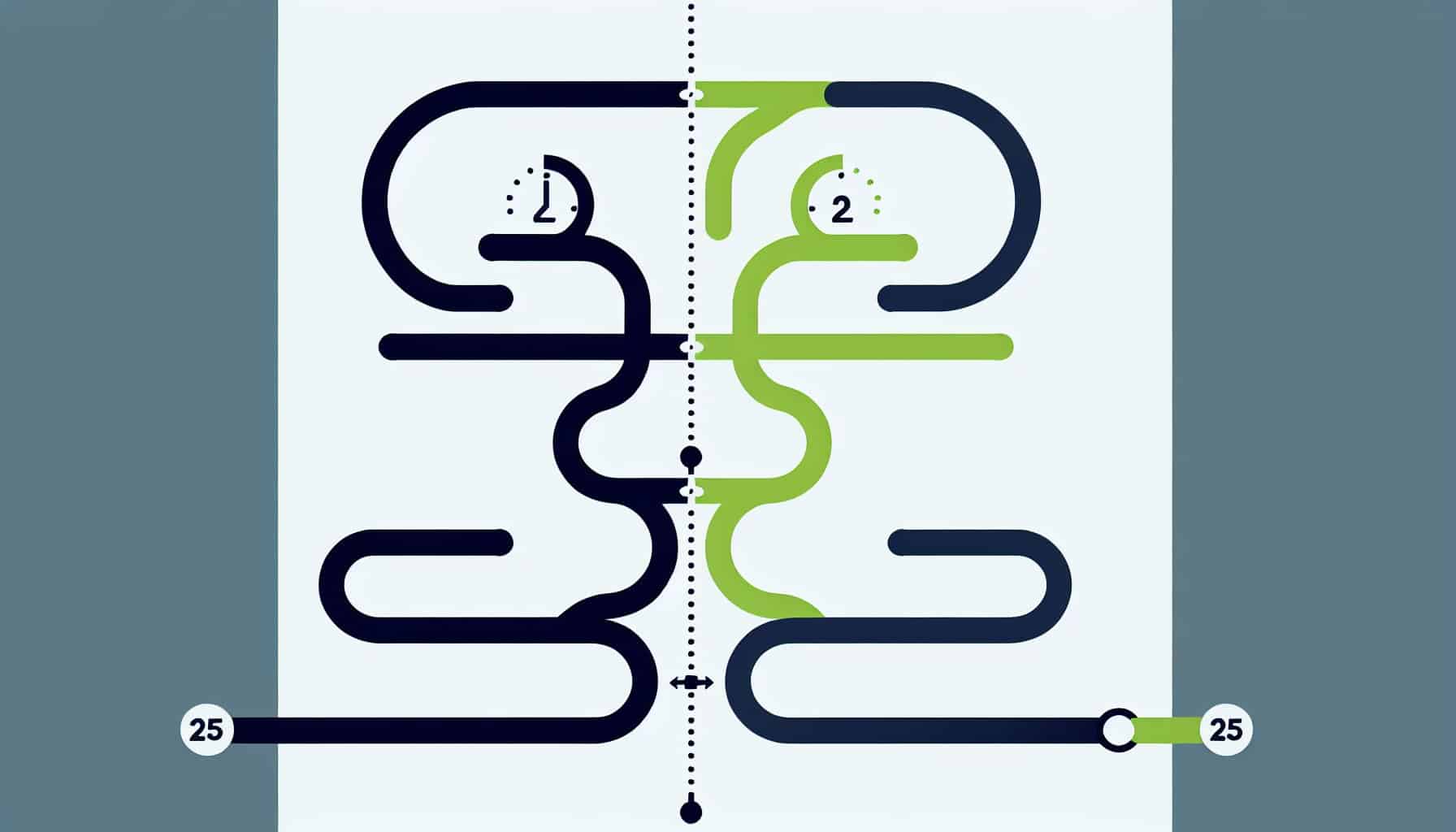
A manufacturing client I worked with had a quoting process that ran 25 minutes per quote. The system used six connected Cloud Flows that handed off to each other in sequence. Each handoff introduced latency. The solution was re-architecting the whole thing as a 3-phase plugin. Runtime dropped to under 2 minutes. No process changes required. Same output. 92% faster. The system wasn’t broken. It was built wrong the first time.
When slow processes get normalized, teams stop reporting them. They just build their schedule around the wait. If a task in your system routinely takes more than 10 minutes and feels like it should take 3, that’s an engineering problem dressed up as a “that’s just how it works” problem. Worth investigating before it calcifies further.
Sign 2: Your Reports Don’t Match What Your Team Is Seeing
Bad data is quiet. It doesn’t announce itself.
Research shows 37% of companies lose revenue directly from poor CRM data quality. The failure mode is subtle: your pipeline report shows one number, your VP of Sales has a different number in a spreadsheet, and nobody can explain the gap. Decisions get made on whichever source feels more trustworthy, which is usually neither one.
An enterprise software distributor I worked with had accumulated over 100 deprecated web resource components, custom code from a previous implementation that had never been updated or removed. That outdated code was still running, still touching records, and quietly introducing inconsistencies that were nearly impossible to trace without a full audit. Nobody had flagged it because the symptoms looked like user error.
If your team has stopped trusting the system’s numbers, that’s not a reporting problem. It’s a structural one. The data entering the system is fine. Something in the middle is corrupting it, or the reporting layer isn’t reading from the right source. Both are fixable, but neither fixes itself.
Sign 3: Half Your Team Still Uses Spreadsheets
CRM failure rates run 50 to 63% industry-wide. The most common cause isn’t bad technology. It’s a user adoption failure: the gap between how the system was designed and how people actually work.
When users work around Dynamics 365 instead of in it, two things happen simultaneously. The data in the system goes stale because the real work is happening elsewhere. And the investment atrophies because a system nobody uses is a system generating no return. The instinct is to call this a training problem. It rarely is.
I have spent time in multiple engagements sitting with the people who actually do the work. Not the managers describing the work. The people doing it. The friction points they describe are almost always specific, concrete, and fixable in days, not months. A field that’s three screens away when it should be front and center. A form that requires 11 inputs for a task that only needs 4. A workflow that sends them a notification they’ve already dismissed 300 times. That’s a design problem. Retraining people to work around a design problem doesn’t solve it.
Sign 4: You’ve Already Paid Someone to Fix This
This is the most expensive pattern in Dynamics 365 consulting. And it’s common.
The original implementation partner delivered something that didn’t quite work. Internal IT tried to patch it. A second consultant was brought in. Each layer added complexity — scope creep compounding across engagements with nobody tracking the original requirement. Nobody documented their assumptions. Now the system is a sediment of three separate approaches, none of which was wrong exactly, but none of which was ever right together.
A Salesforce consulting firm brought me into one of their client engagements, a global food equipment manufacturer with a D365 process that had a documented pain point nobody had resolved for months. I reviewed a video of the issue, had a scoped proposal ready within days, and I am currently working directly with their CTO to iterate on the solution. What I found wasn’t a hard problem. It was a problem that had been partially solved three times, leaving just enough progress each time that nobody wanted to admit it wasn’t working.
When you’ve already paid to fix something and it’s still broken, the issue usually isn’t any individual fix. It’s that each repair was treating a symptom. The root cause was never isolated. That’s the conversation worth having before you bring in the next person.
Sign 5: Every Upgrade Breaks Something
Customization debt, technical debt in engineering terms, is real. It compounds quietly, and it shows up exactly when you can least afford it.
When Dynamics 365 systems are customized using methods that didn’t age well, every Microsoft update cycle becomes a risk event. JavaScript that worked in 2019 doesn’t necessarily work in 2024. HTML web resources built against deprecated APIs will eventually fail. And the teams inheriting these systems often don’t know what’s compliant and what isn’t until something breaks in production.
I completed an audit and remediation of 100+ deprecated JavaScript and HTML web resources for an enterprise software distributor. The code was technically live and running. It was also non-compliant with current Dynamics 365 standards and one update cycle away from causing real problems. The client didn’t know the risk existed until we started mapping it. Three signs that you’re carrying customization debt: your upgrade cycles require significant QA each time, your original implementation partner can no longer support the system, or your internal IT team is reluctant to touch anything because they’re not sure what’s connected to what. An audit first, targeted remediation second. Replace custom code with standard platform configuration wherever possible. Not a rebuild.
Sign 6: Your Systems Don’t Talk to Each Other
Manual re-entry is invisible on a P&L. It shows up as overtime and error rates instead.
When Dynamics 365 isn’t connected to your ERP, your HRIS, or your billing system, somebody is moving data between them by hand. That somebody is probably doing it daily, probably across multiple systems, and probably doing it because it’s faster than waiting for IT to build the integration. That’s not a staffing problem. It’s an architecture problem that was deferred and is now being paid for in person-hours.
At Sorenson Communications, I inherited a third-party integration project spanning 9 record types that connected external systems to D365 and fed downstream into Finance and Operations. The project had stalled. Getting to a complete first version, including Amazon onboarding, required untangling four months of accumulated assumptions, undocumented decisions, and scope that had drifted without anyone signing off on the changes. Integration problems rarely fix themselves. They accumulate until the manual workaround becomes more expensive than the fix, at which point you’ve already spent the money twice.
Sign 7: Your Customer Service Rollout Has Stalled
Customer service implementations in Dynamics 365 have a specific failure pattern. The project moves forward in phases, each phase has dependencies, one dependency slips, and the whole timeline collapses by a month. Then it collapses again.
Routing rules, queue configurations, agent workspace setup, Copilot integrations: there are dozens of dependencies in a CS implementation and any one of them can block a go-live without being obvious about why. The go-live date keeps getting pushed, the team is frustrated, and leadership is losing confidence in the project.
I led the first Copilot for Customer Service Workspace implementation for a federal agency with 150+ agents. Live chat summarization, intelligent Omnichannel routing, automated pre-survey workflows. It went live. Getting there required diagnosing multiple Omnichannel Live Chat incidents that had no documentation, writing a troubleshooting guide from scratch so the team could maintain the system after handoff, and working through a chain of small problems that nobody had mapped end to end. If your CS rollout date has moved more than twice, someone needs to build that map.
The pattern across all seven signs is the same. These Dynamics 365 implementation problems aren’t random failures. They’re predictable issues that accumulate when a system is built, handed off, and then expected to run without expert intervention. The implementation partner moved on. Internal IT is stretched. Nobody owns the technical health of the system long-term.
Most of these are fixable. Some of them are fixable fast. The 25-minute quoting process that became 2 minutes took weeks, not quarters. The deprecated web resource cleanup took days of structured audit work. The CS rollout that had stalled needed someone to own the dependency map and work it systematically. None of these required starting over.
Common Dynamics 365 Implementation Problems: FAQ
How much does it cost to fix a Dynamics 365 implementation? It depends on what’s broken. Targeted remediation of a specific pain point, like a slow automation or a deprecated code audit, typically runs $5,000 to $25,000. A more comprehensive rescue engagement spans $25,000 to $100,000+. The first step is a diagnostic conversation to scope what actually needs fixing versus what can stay as-is.
How do I know if my D365 customizations are causing problems? The clearest signals: your team avoids specific features because they “don’t work right,” upgrade cycles require unexpectedly heavy QA, or you have custom code from a previous implementation that nobody on the current team fully understands. A structured audit will surface risk before it becomes a production incident.
What causes poor user adoption in Dynamics 365? Design mismatch, almost always. The system was built to match how someone described the work, not how the work actually happens. When users find the system slower or harder than their existing workaround, they use the workaround. The fix is redesigning the specific friction points with input from the people doing the actual work, not top-down retraining.
How long does a D365 rescue engagement take? Targeted fixes run two weeks to two months. A scoped pain point like a slow process or a set of deprecated components can often be addressed in weeks once the root cause is confirmed. Broader rescues involving integration cleanup, data quality remediation, or CS implementation recovery run two to four months depending on scope.
Should I rebuild my Dynamics 365 system or fix what I have? Fix what you have, almost always. A rebuild resets the clock on customization debt but introduces new implementation risk and cost. Most systems that feel like they need a rebuild actually need a structured audit followed by targeted remediation. The exception is a foundational data model built incorrectly that cannot be corrected incrementally, and that’s rare.

About the Author
Tony Mykhaylovsky is a Microsoft Dynamics 365 independent consultant with 10+ years building and fixing CE implementations across manufacturing, financial services, federal government, and telecom. PL-600 (Power Platform Solution Architect Expert) · PL-400 (Power Platform Developer).